Not released yet · macOS first

Every coding agent, all feeling like Codex

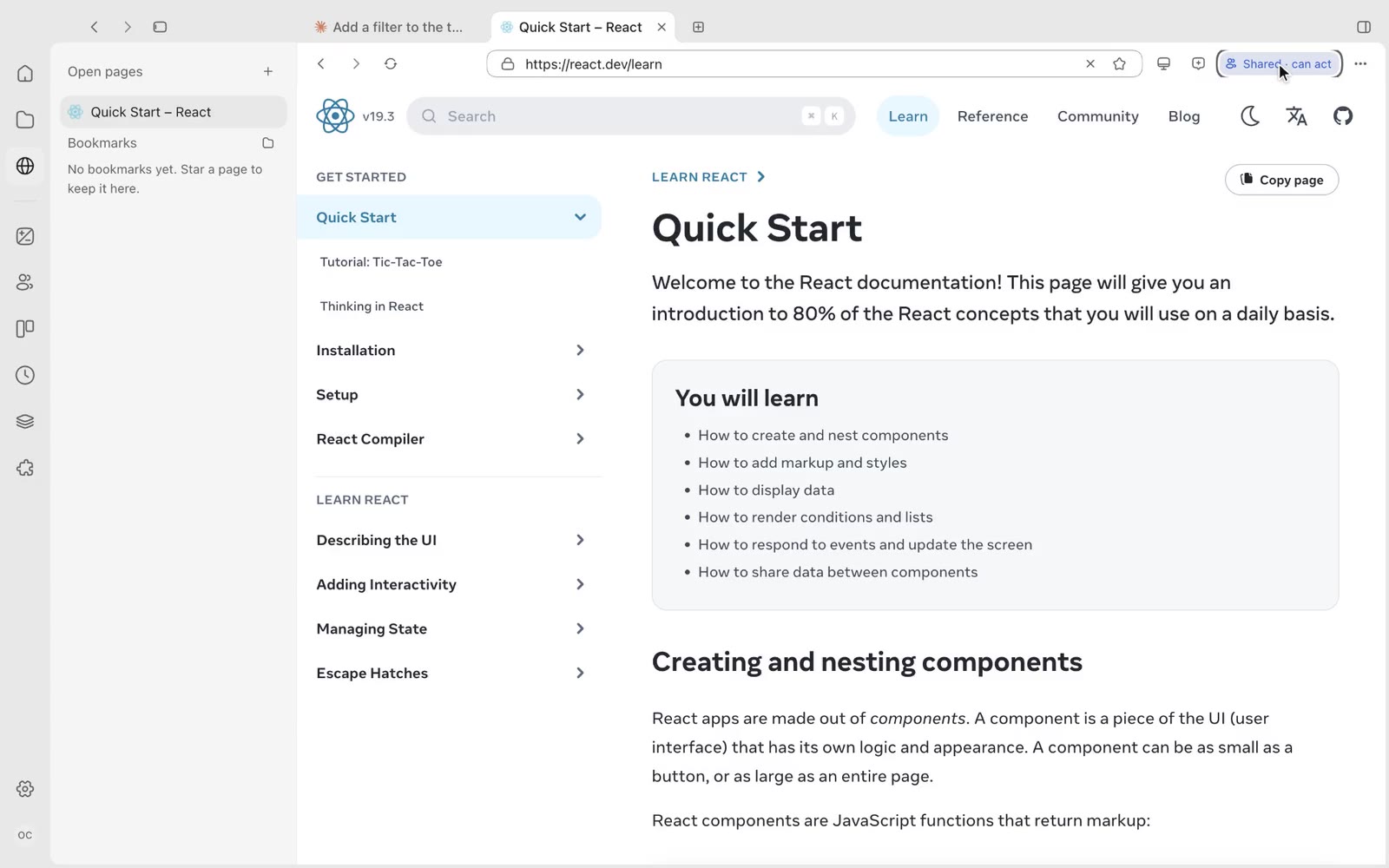
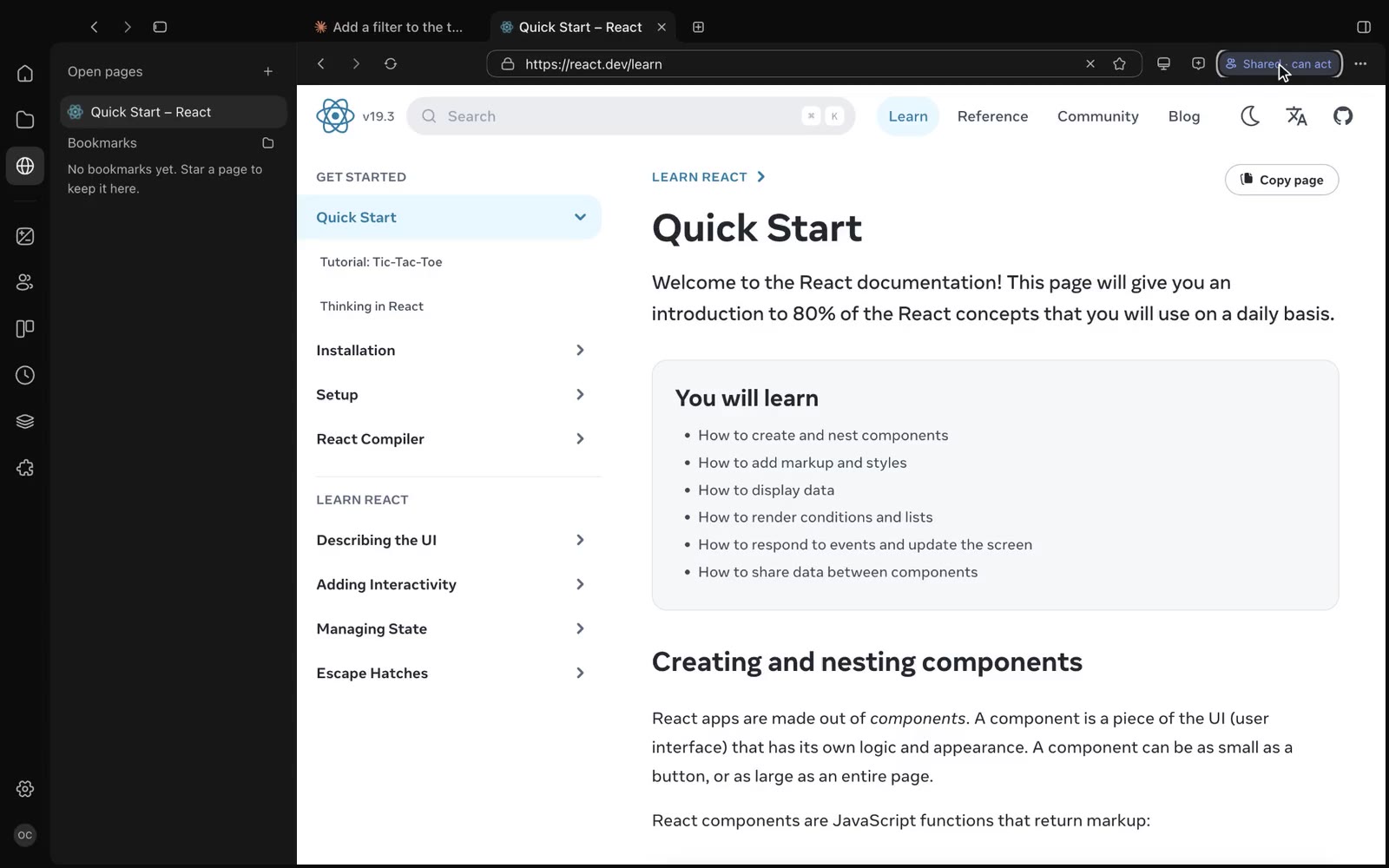
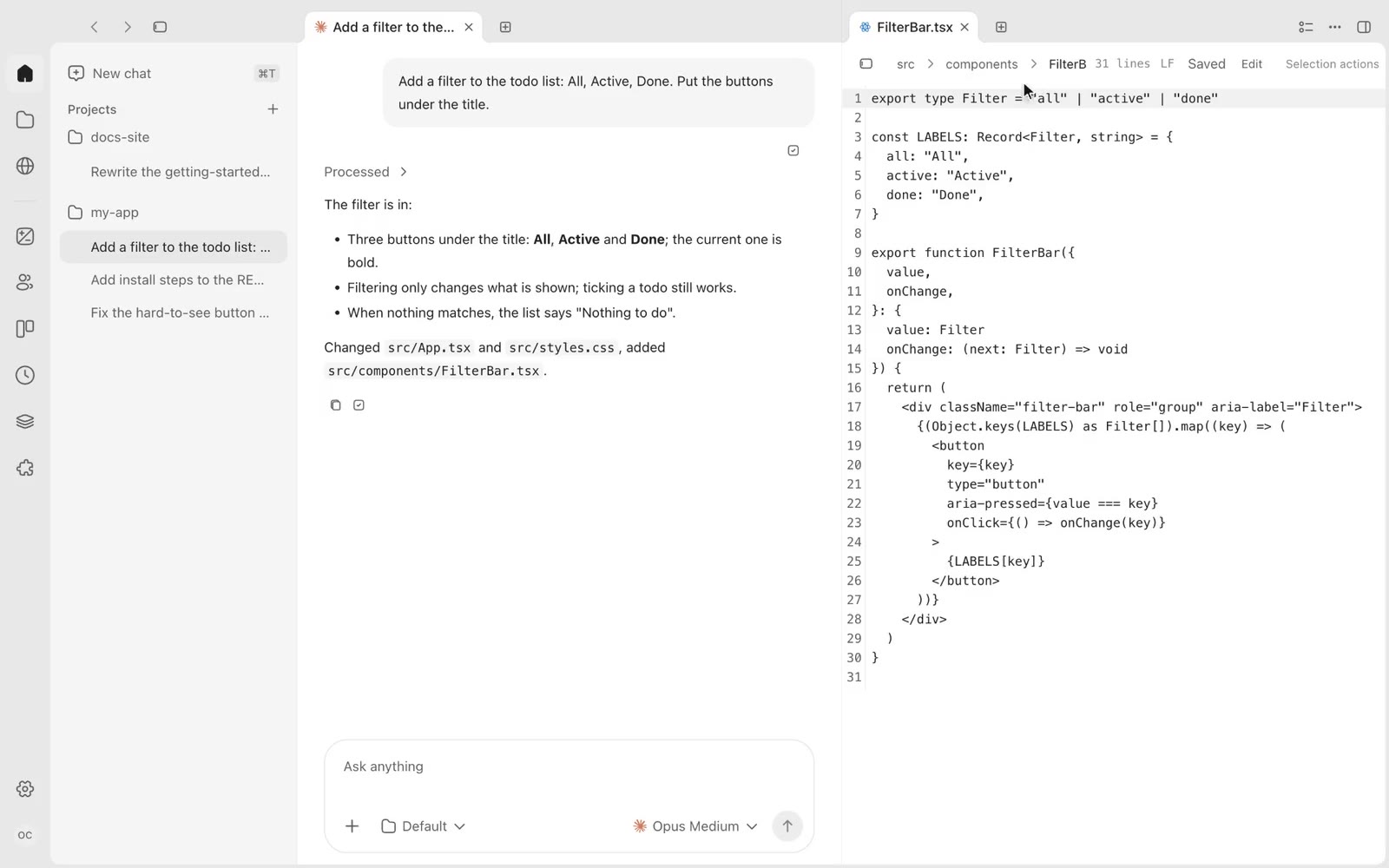
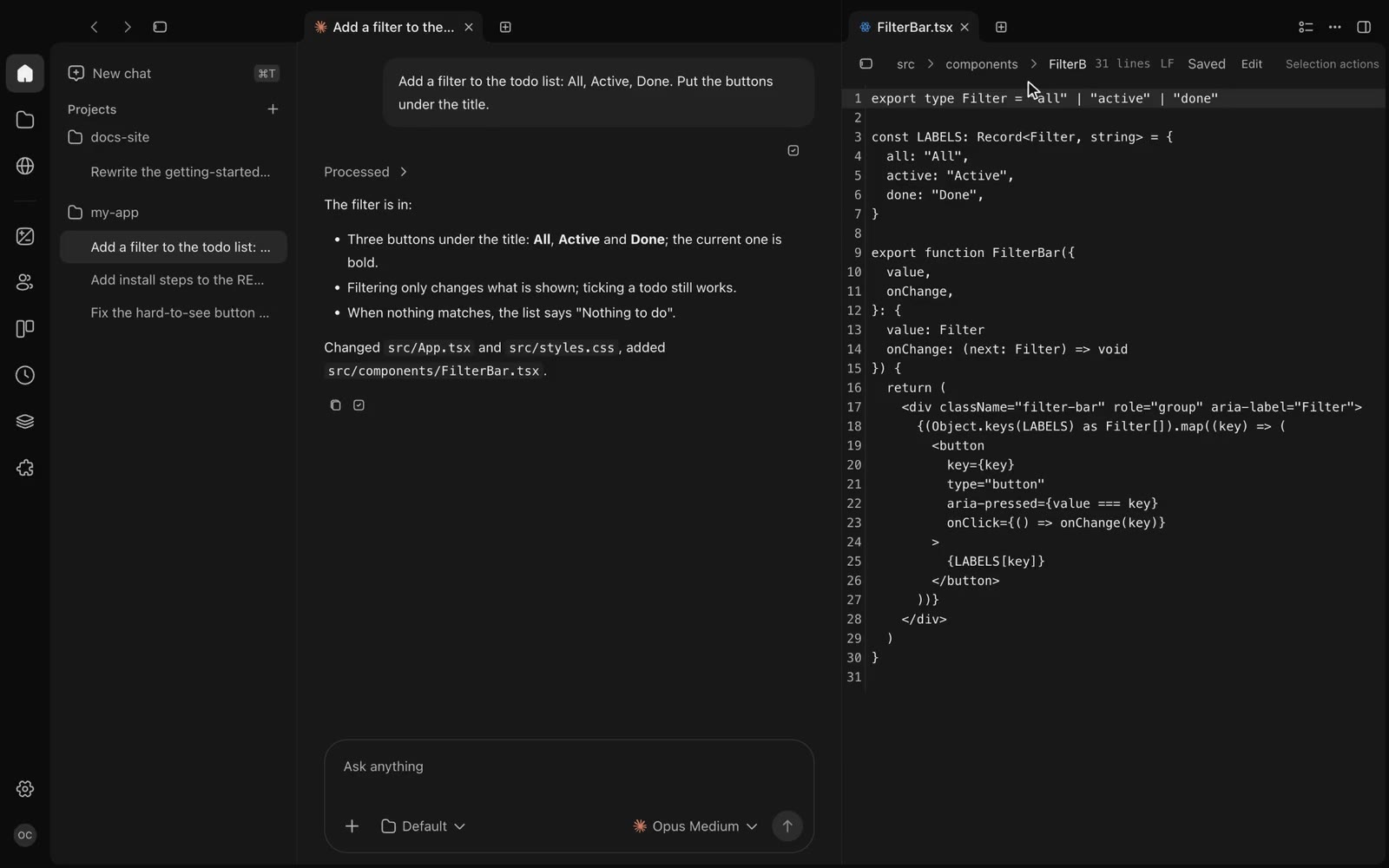
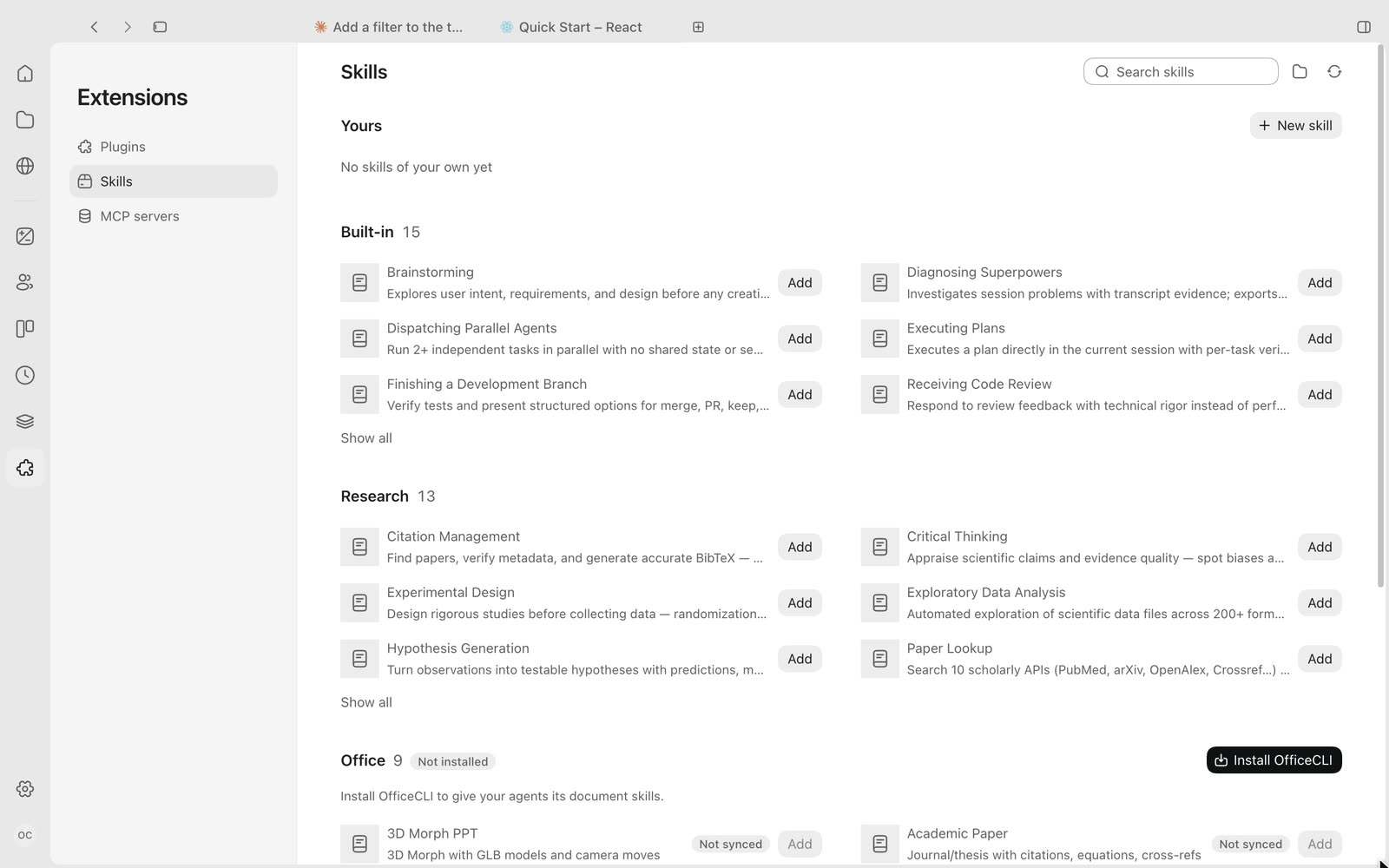
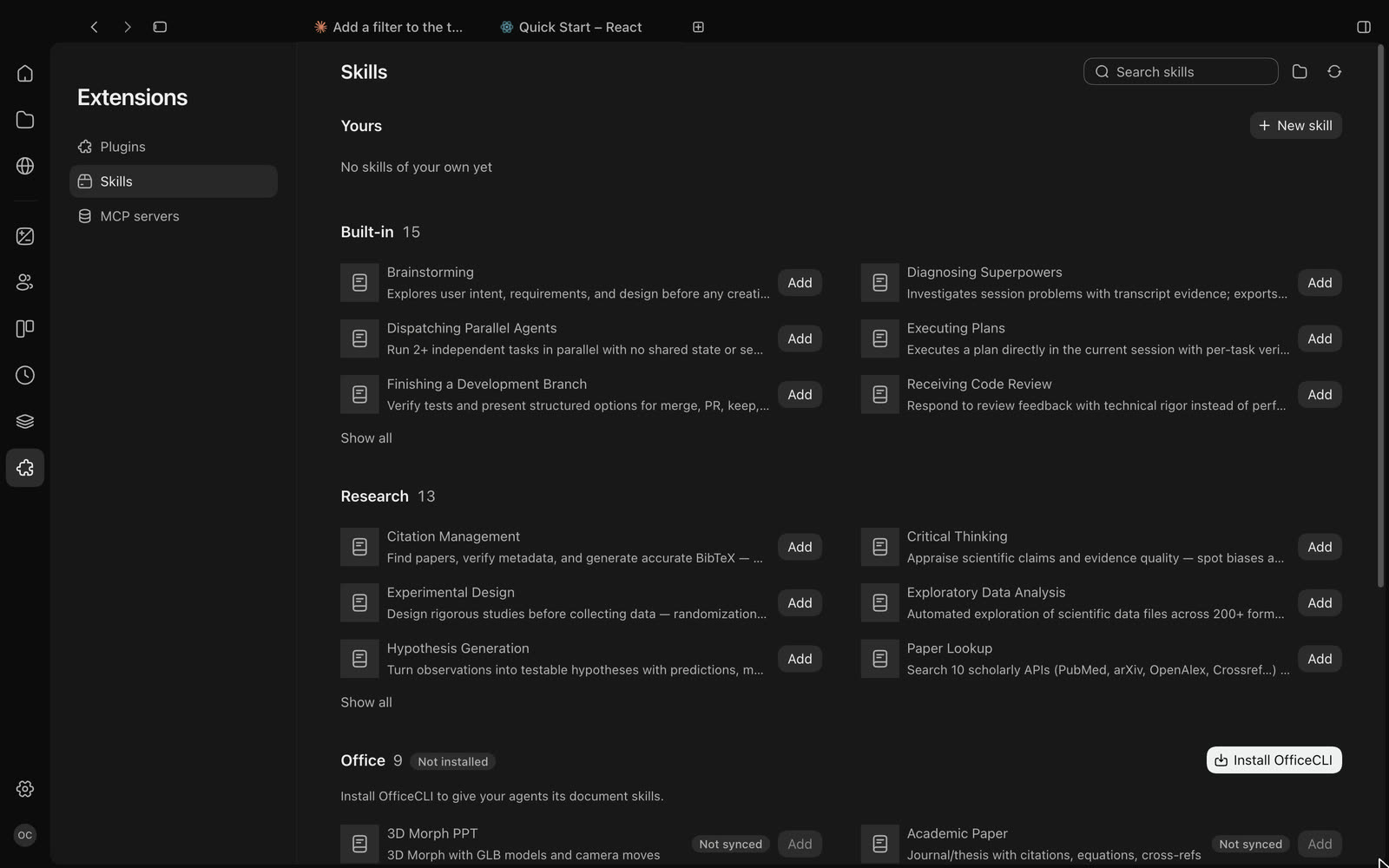
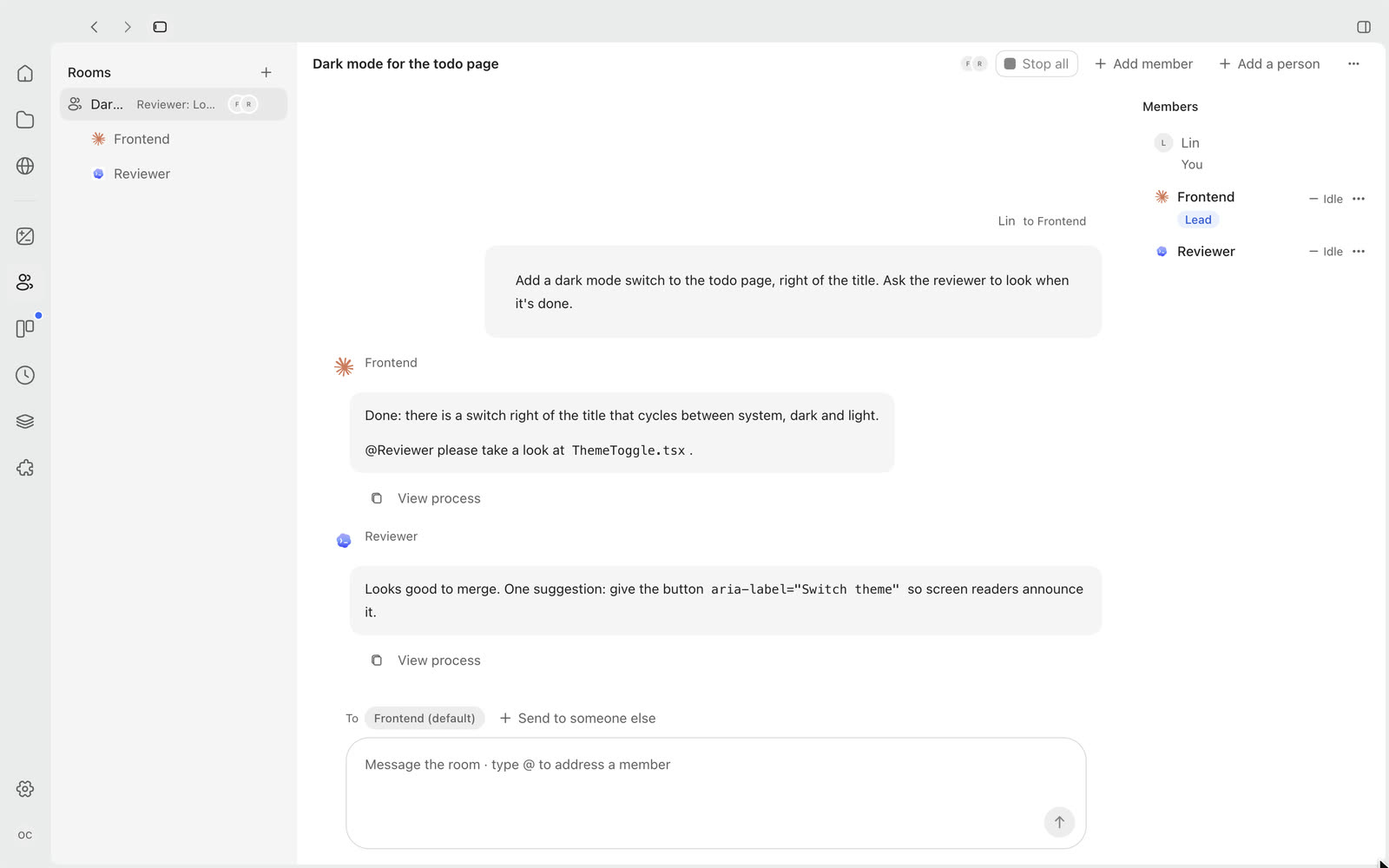
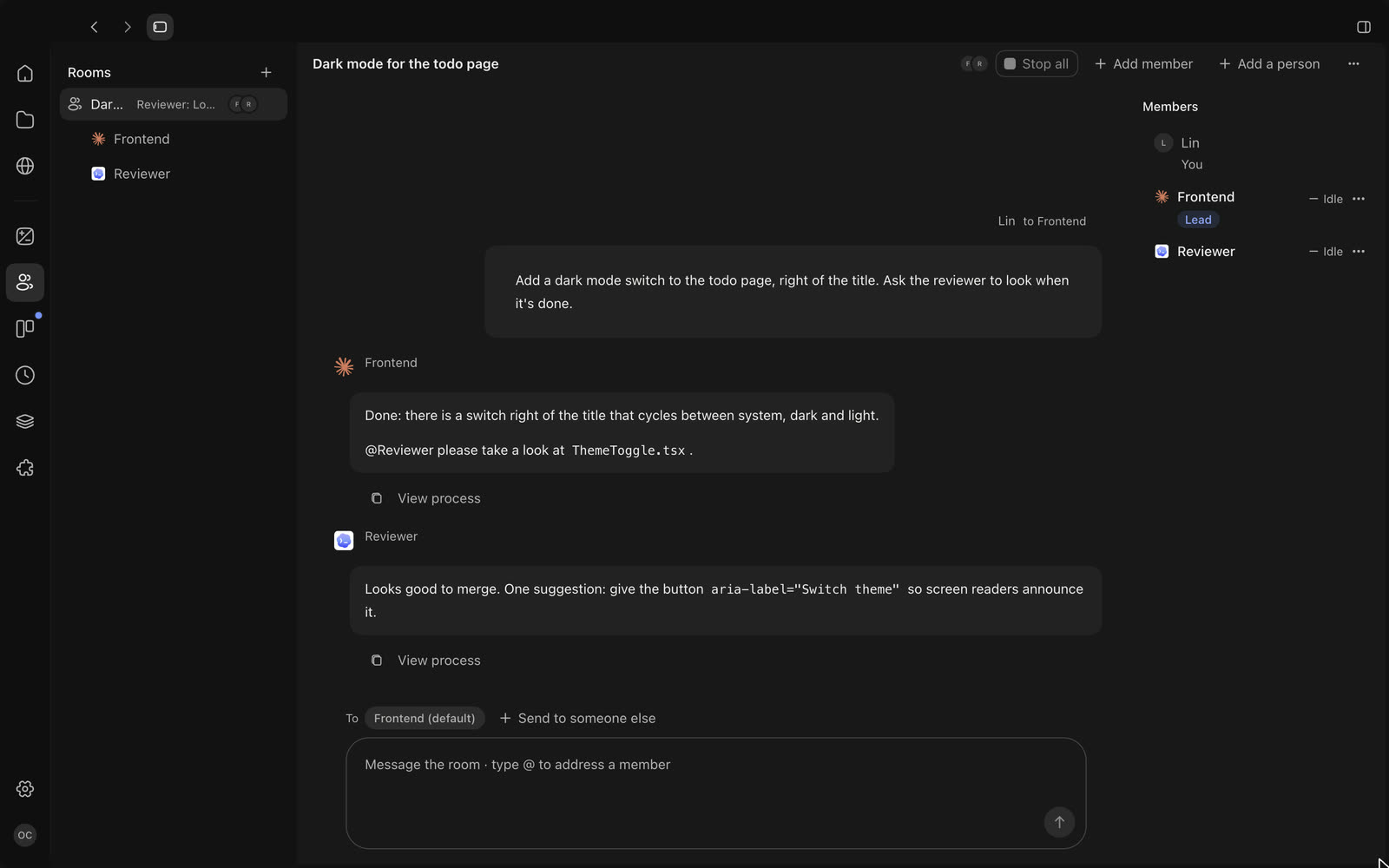
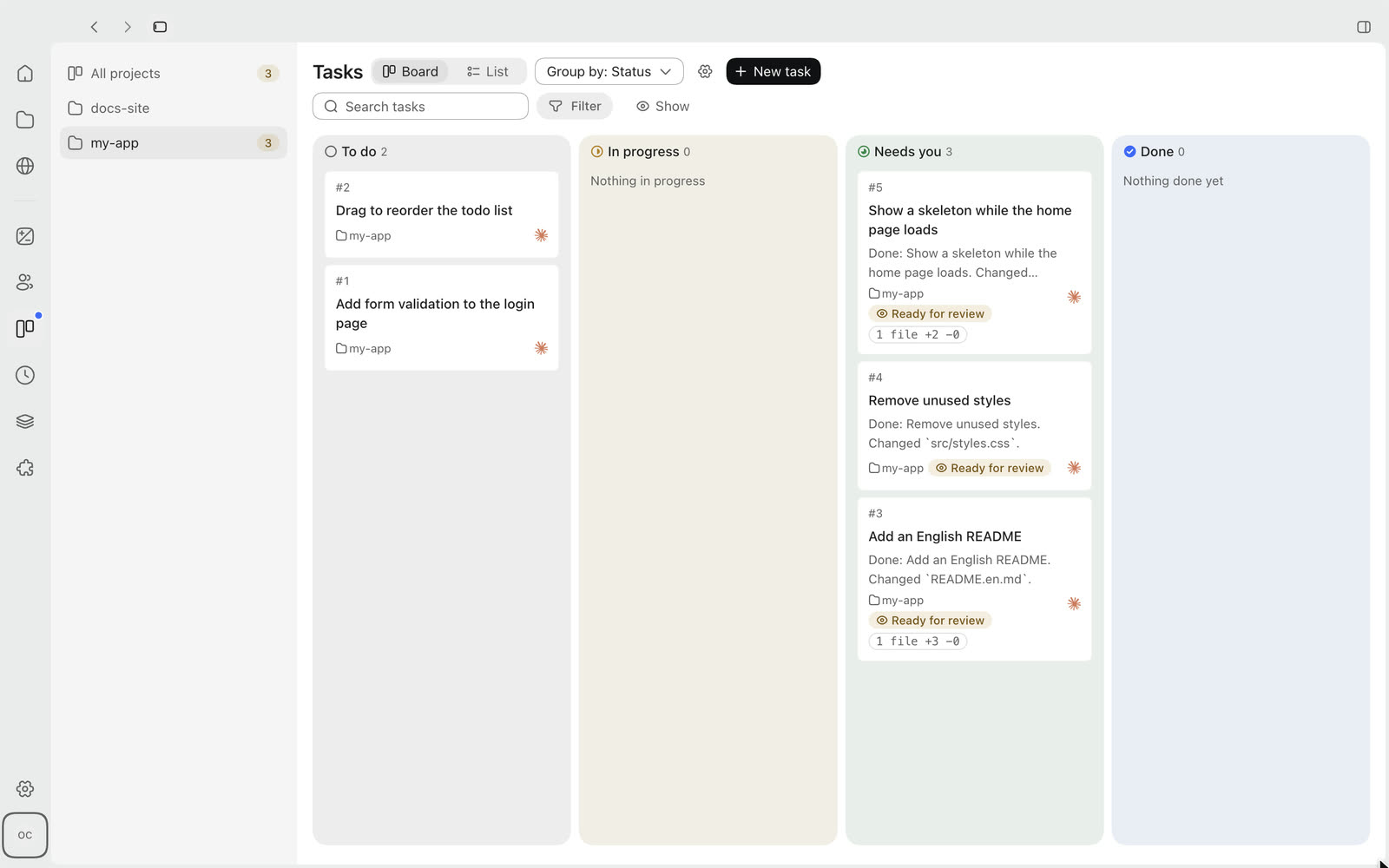
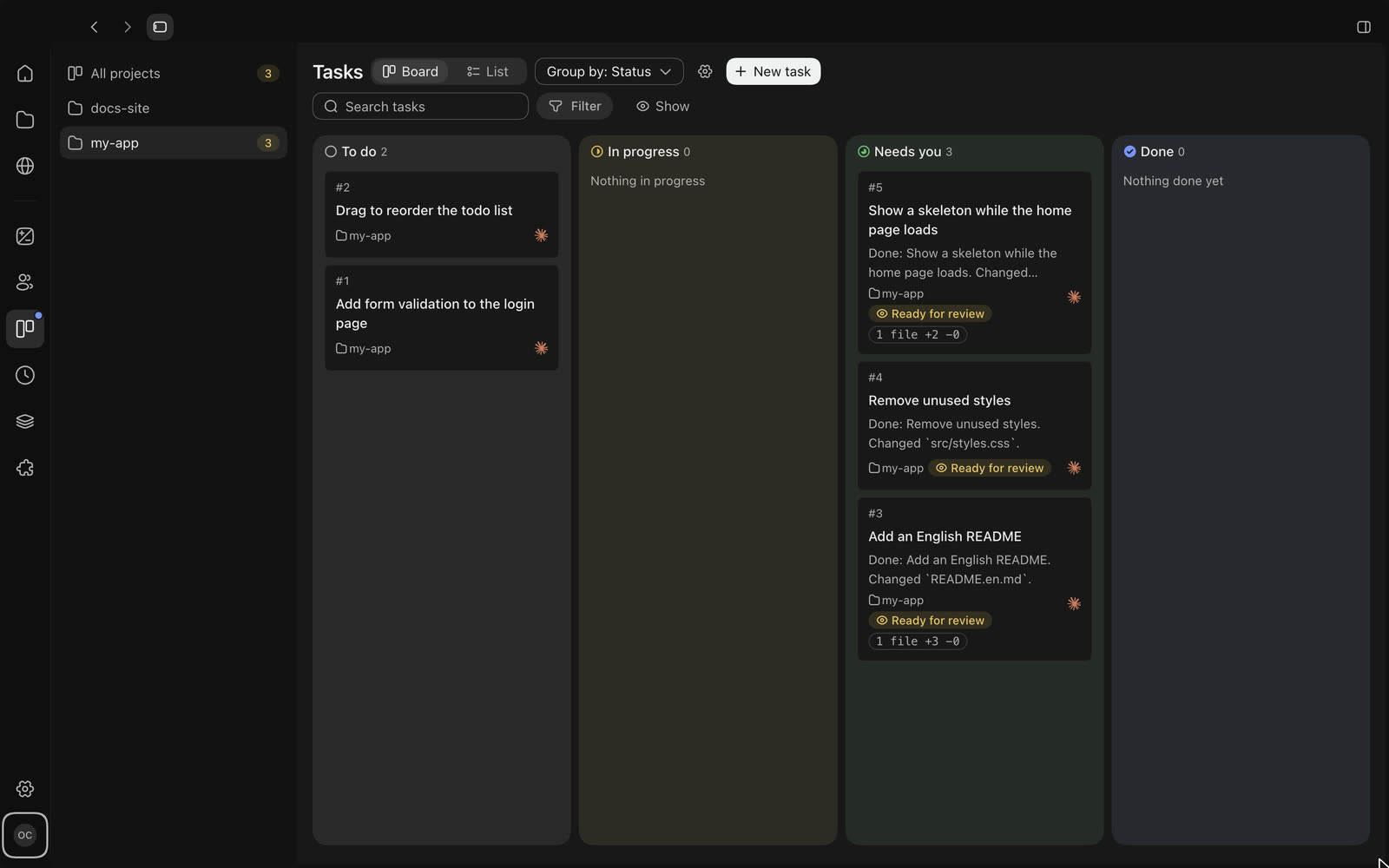
Claude Code, Codex, Gemini CLI, OpenCode, Cursor, Kimi, Kiro and 13 more runtimes in one desktop app. One interface for chat, approvals and changes, with files, a browser and a terminal right beside it.
Recorded in the OpenCodex app. The sample project and chat are demo content.
Runtimes

Bring these agents, keep the same interface

Runtimes installed on your computer show up in the composer’s menu, and you can add other compatible agents.
  • Claude Code
  • Codex CLI
  • Gemini CLI
  • OpenClaw
  • OpenCode
  • Cline
  • Hermes Agent
  • CodeBuddy
  • Kimi Code
  • Pi
  • Grok
  • Cursor
  • DeepSeek Harness
  • Qoder
  • Google Antigravity
  • Kiro CLI
  • ZCode
  • TRAE CLI
  • Command Code
  • MiniMax Code
How it works

The Codex way of working, with the agent you pick

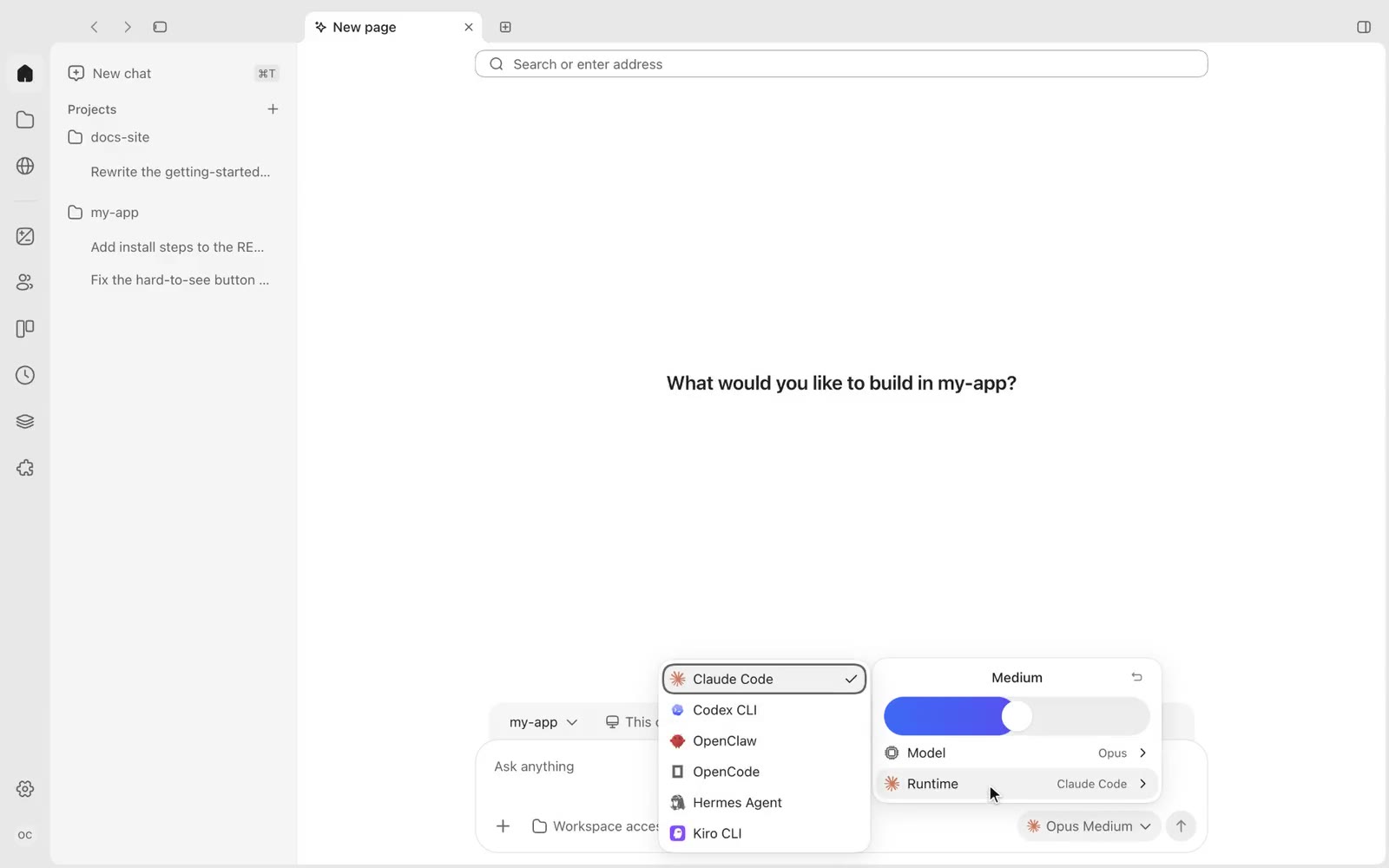
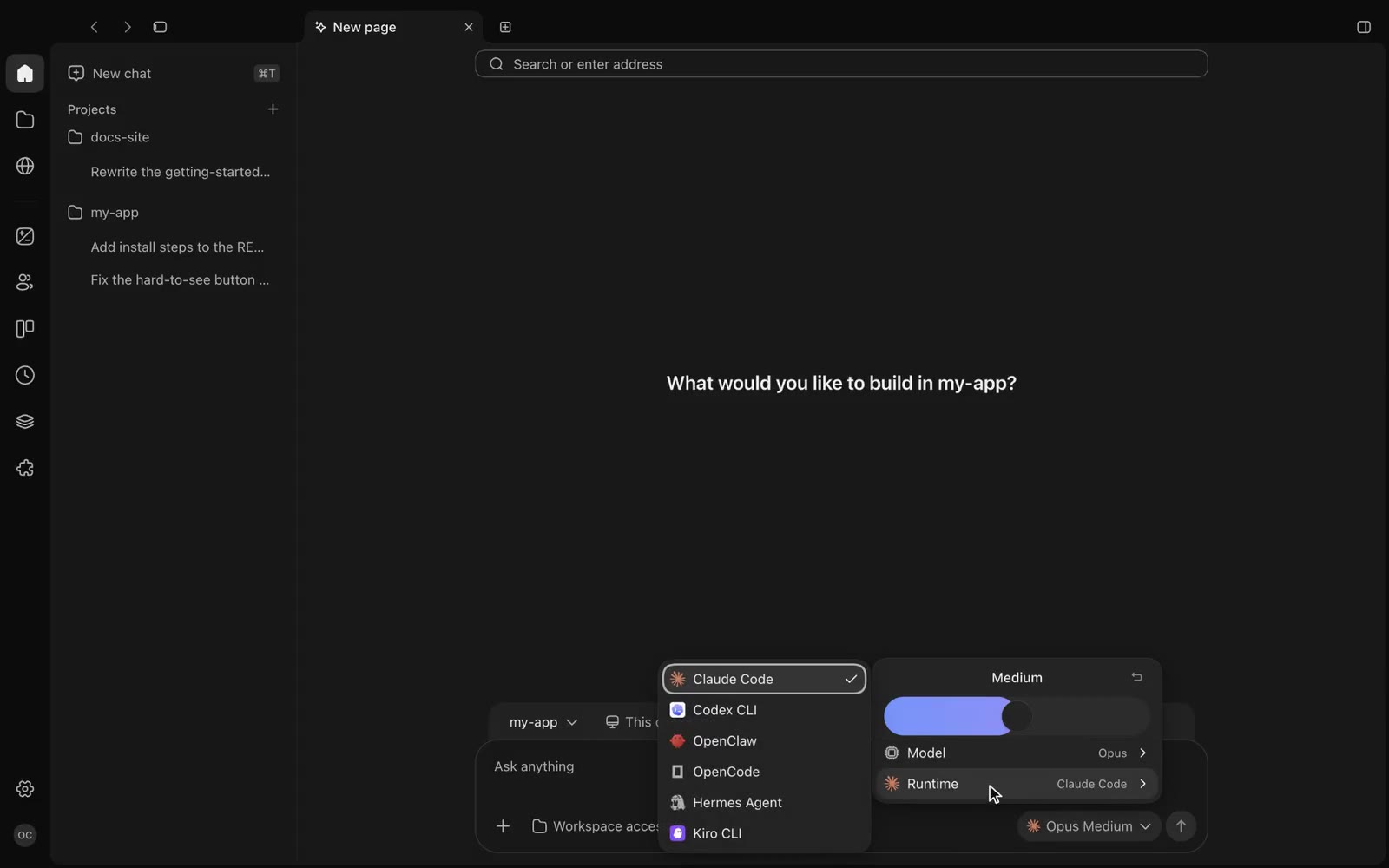
The composer’s model menu showing the runtime list: Claude Code, Codex CLI, OpenClaw, OpenCode, Hermes Agent, Kiro CLIThe composer’s model menu showing the runtime list: Claude Code, Codex CLI, OpenClaw, OpenCode, Hermes Agent, Kiro CLI
01

One button for runtime and model

Runtime, model and reasoning effort sit at the bottom right of the composer; the permission mode decides when the agent asks first.
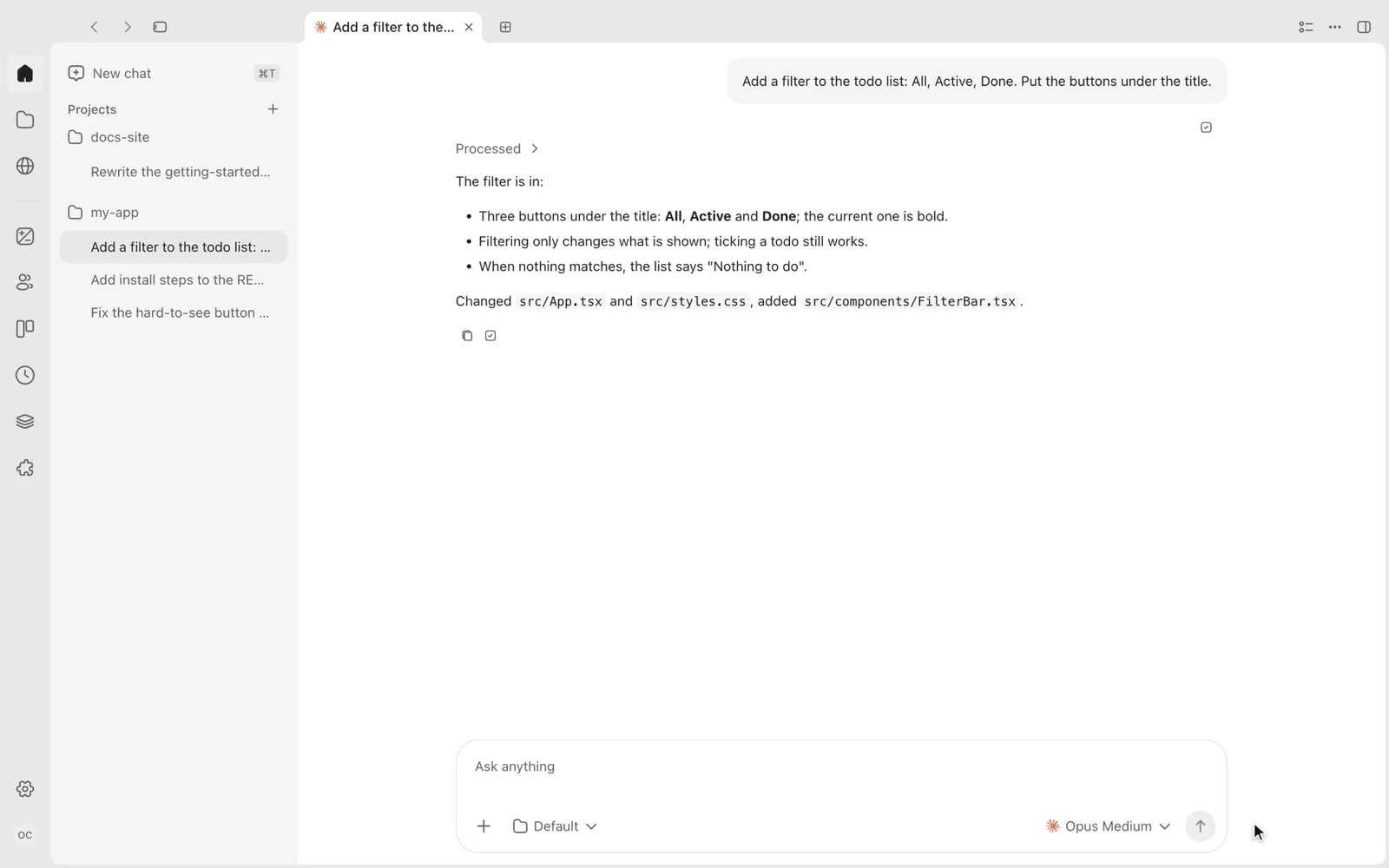
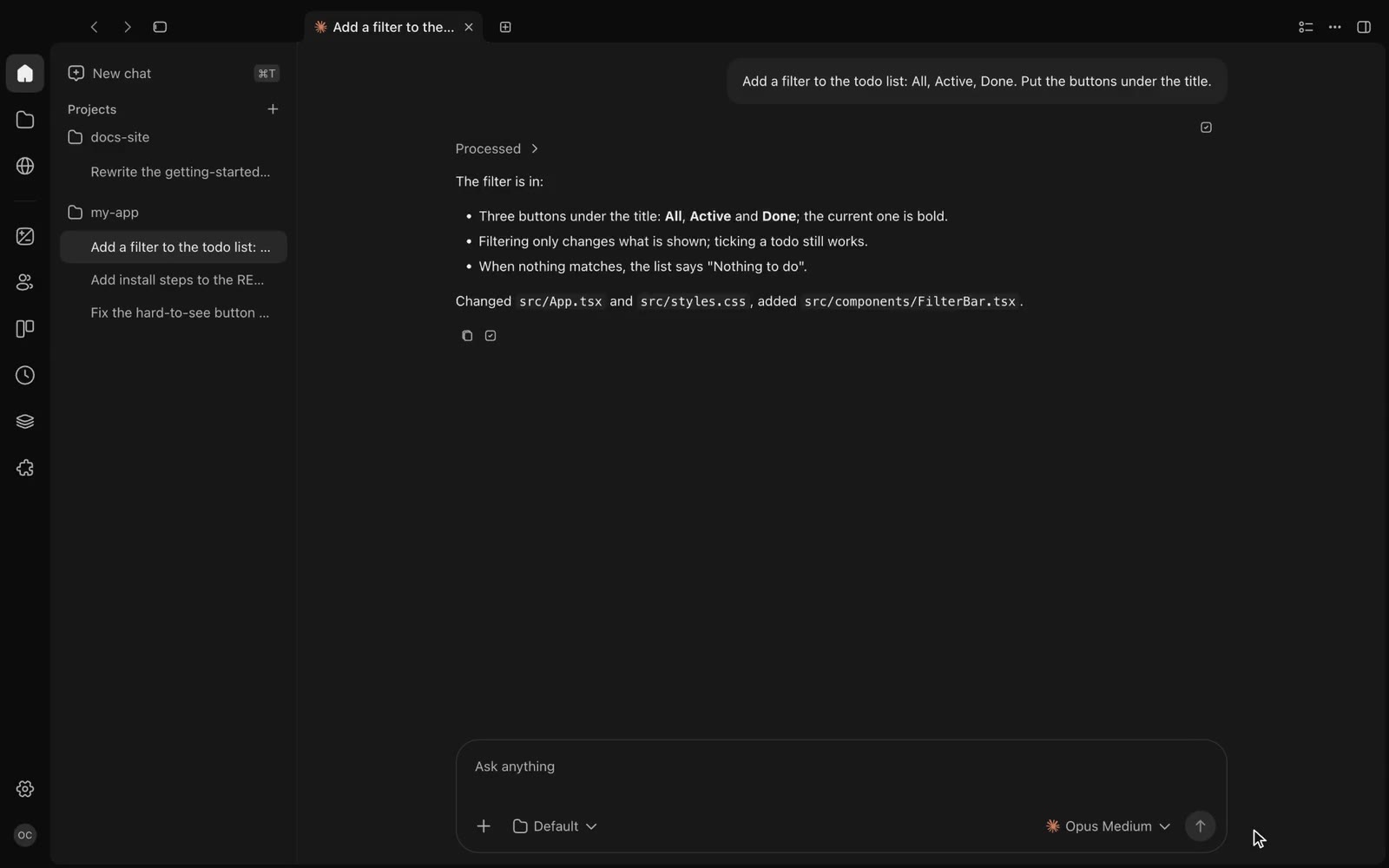
A chat: the agent’s work folded into “Processed”, followed by its summary of the changeA chat: the agent’s work folded into “Processed”, followed by its summary of the change
02

Work folded into one line

Reading, editing and running commands fold into “Processed”; expand it for one line per action. Approvals, questions and plans appear in the chat.
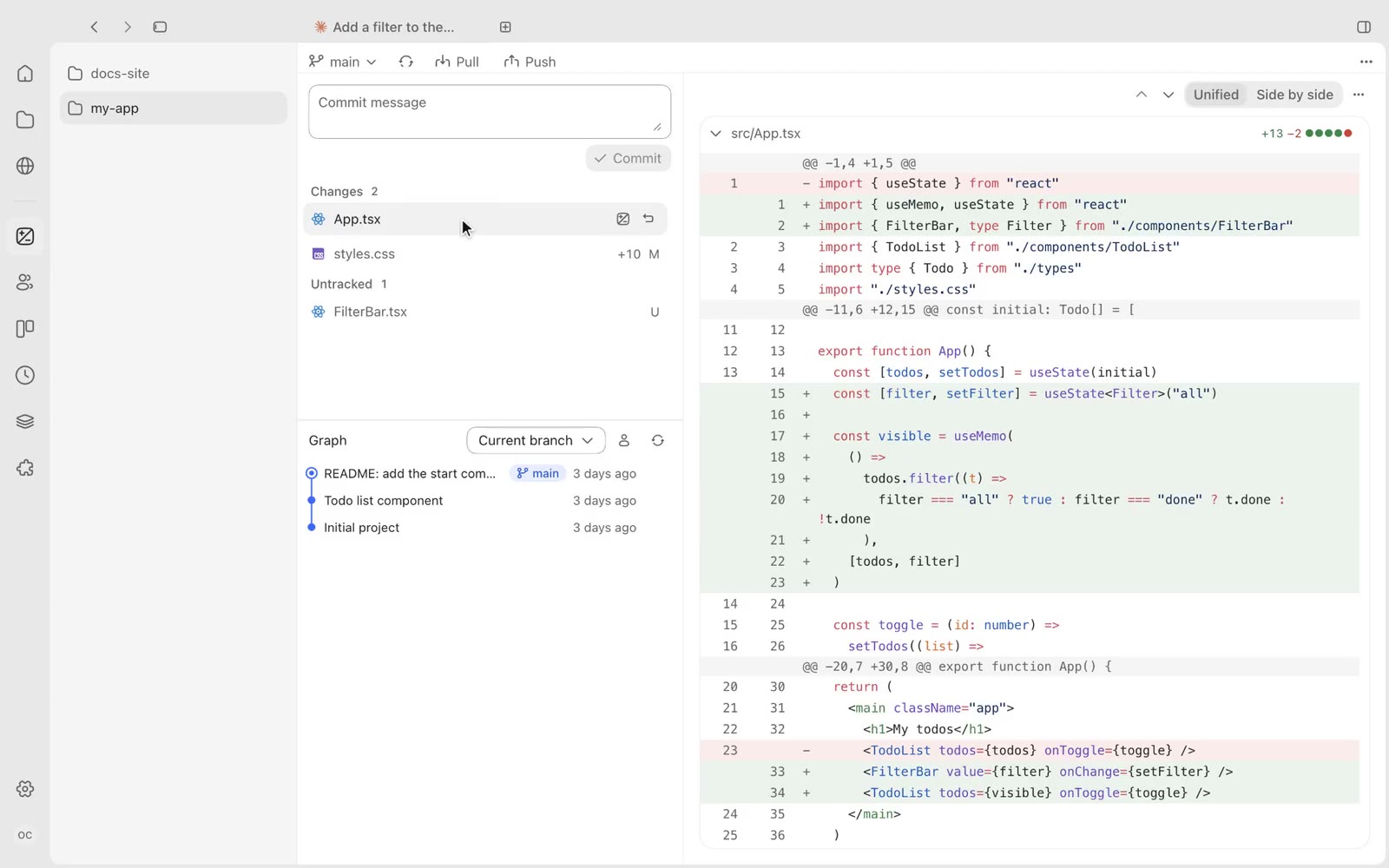
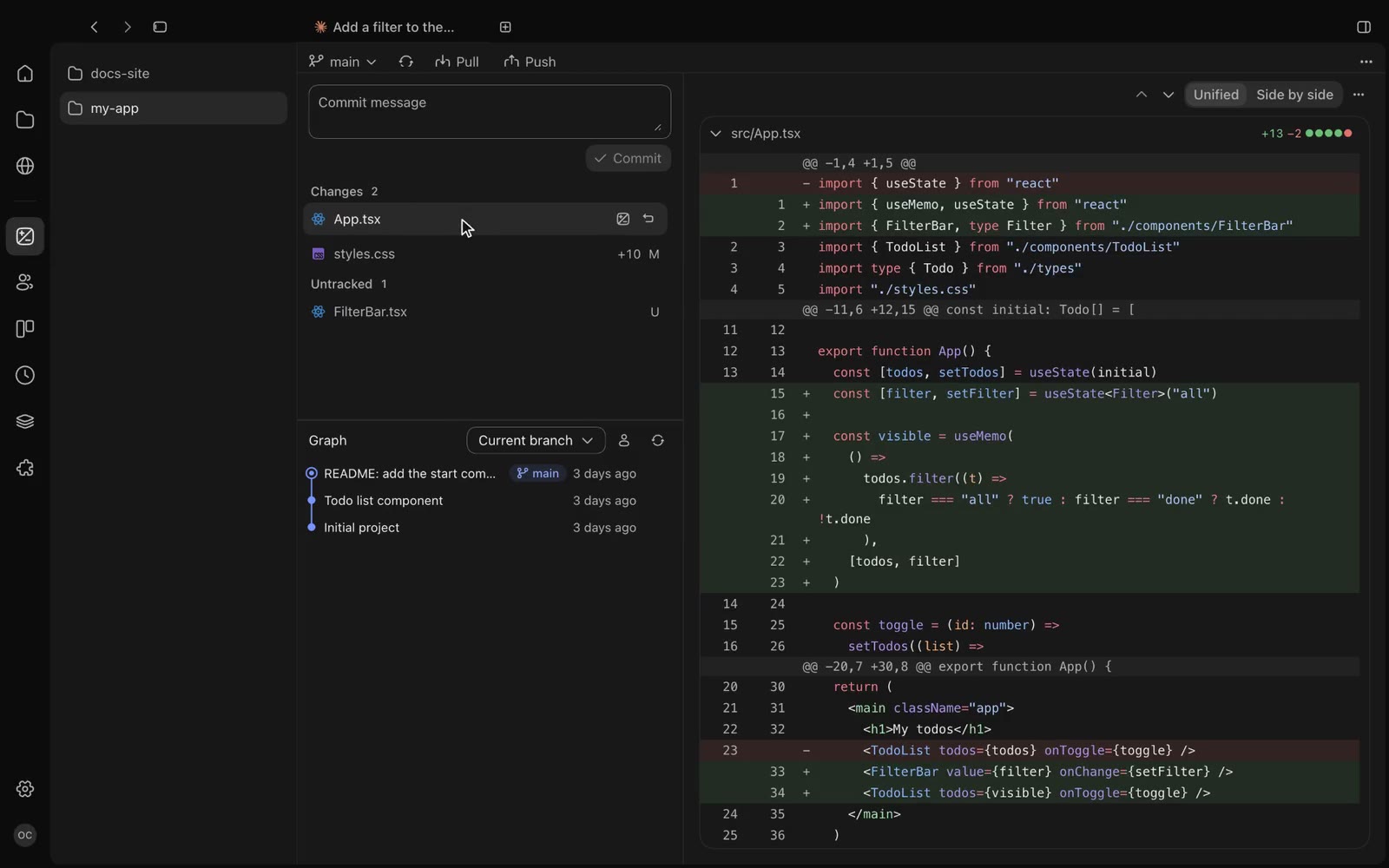
The Changes page: changed files and commit history on the left, the App.tsx diff on the rightThe Changes page: changed files and commit history on the left, the App.tsx diff on the right
03

Every change on one page

Commit message, commit, pull, push and history on one page; diffs inline or side by side.
Phone

Away from your desk, keep directing from your phone

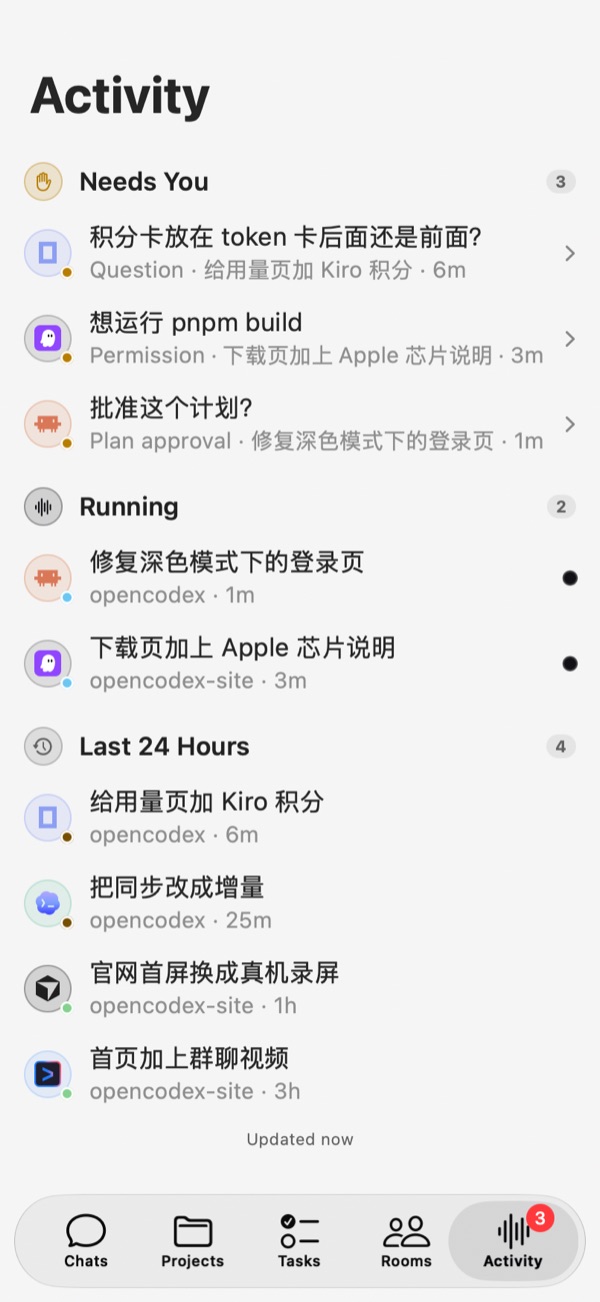
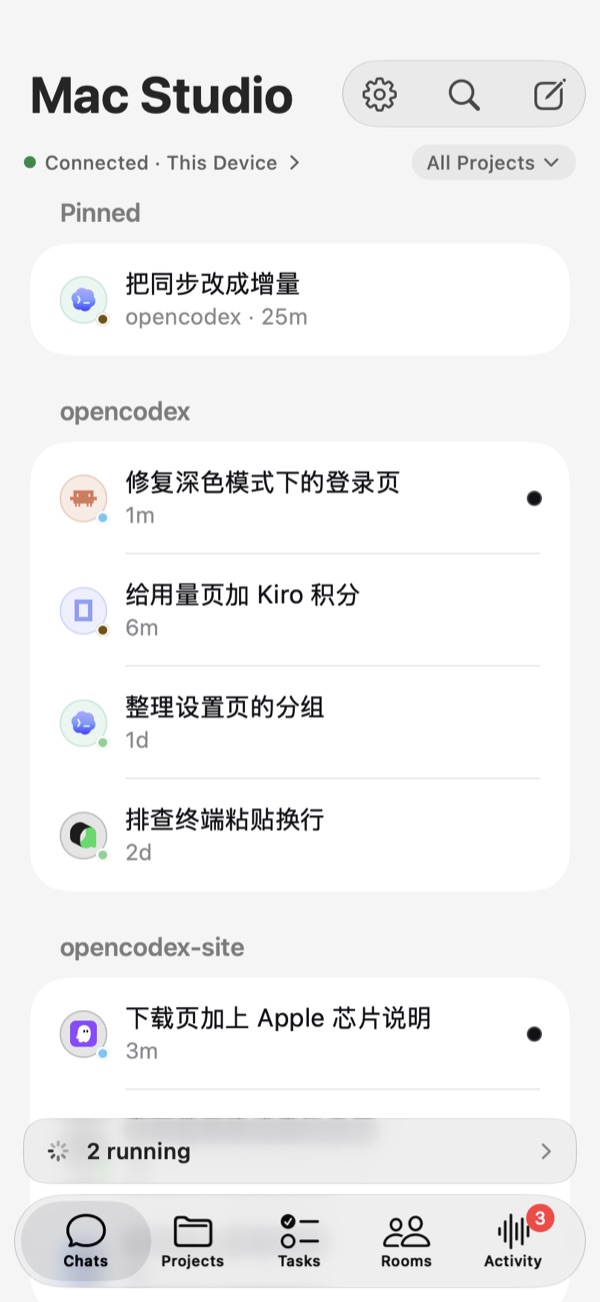
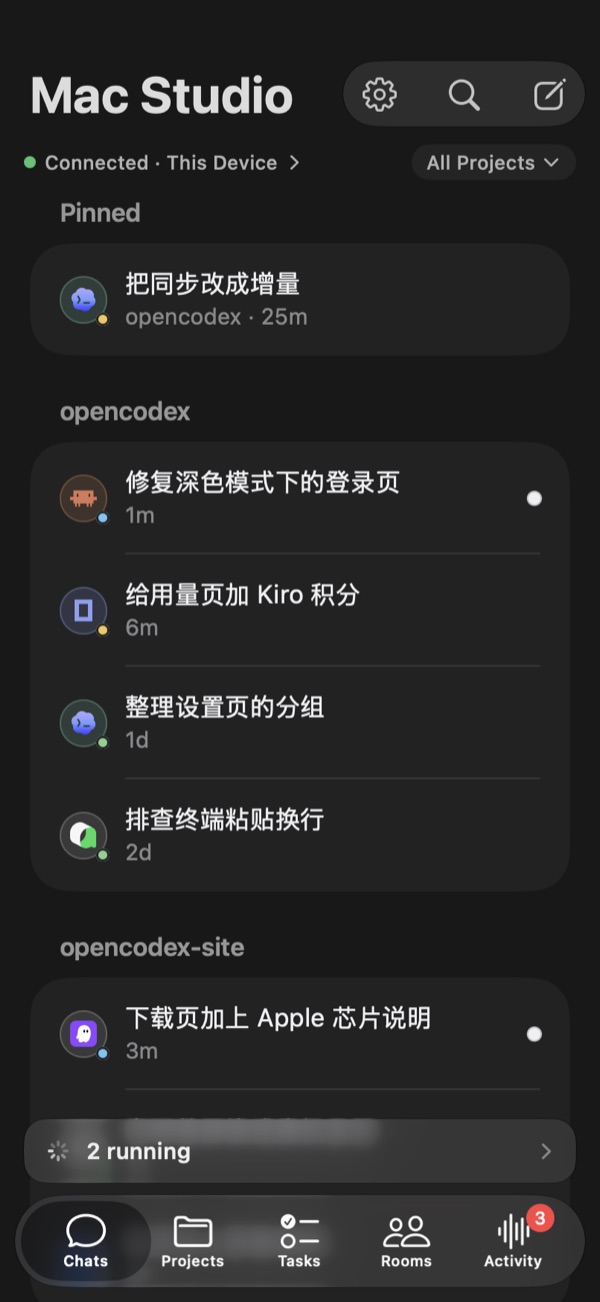
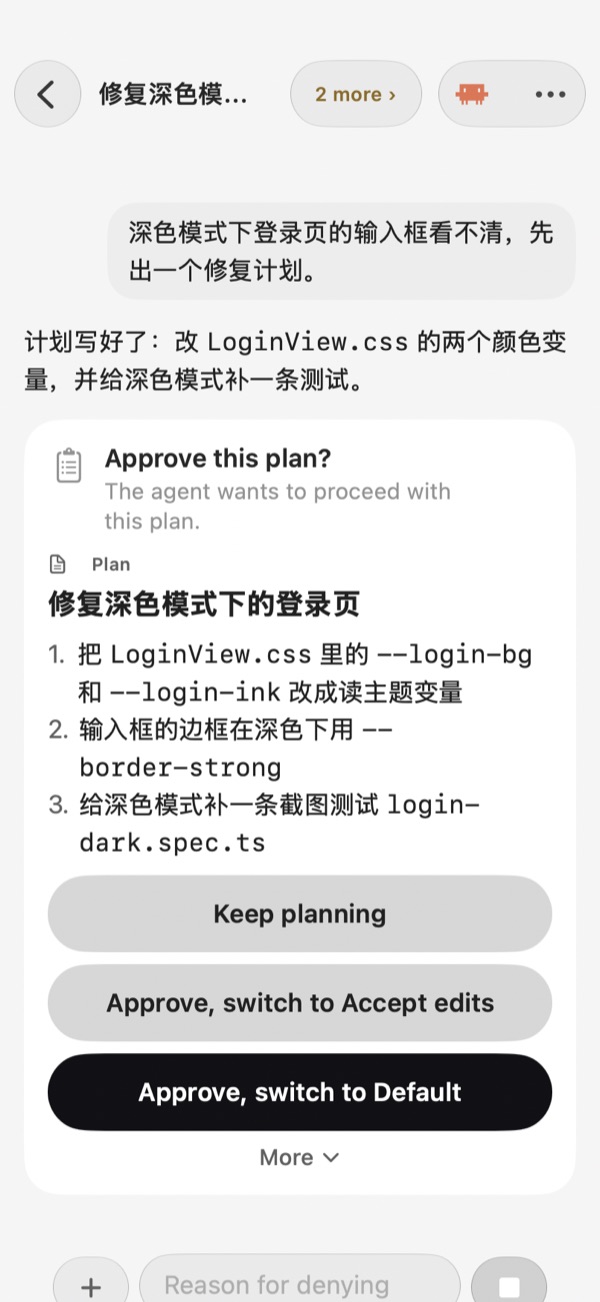
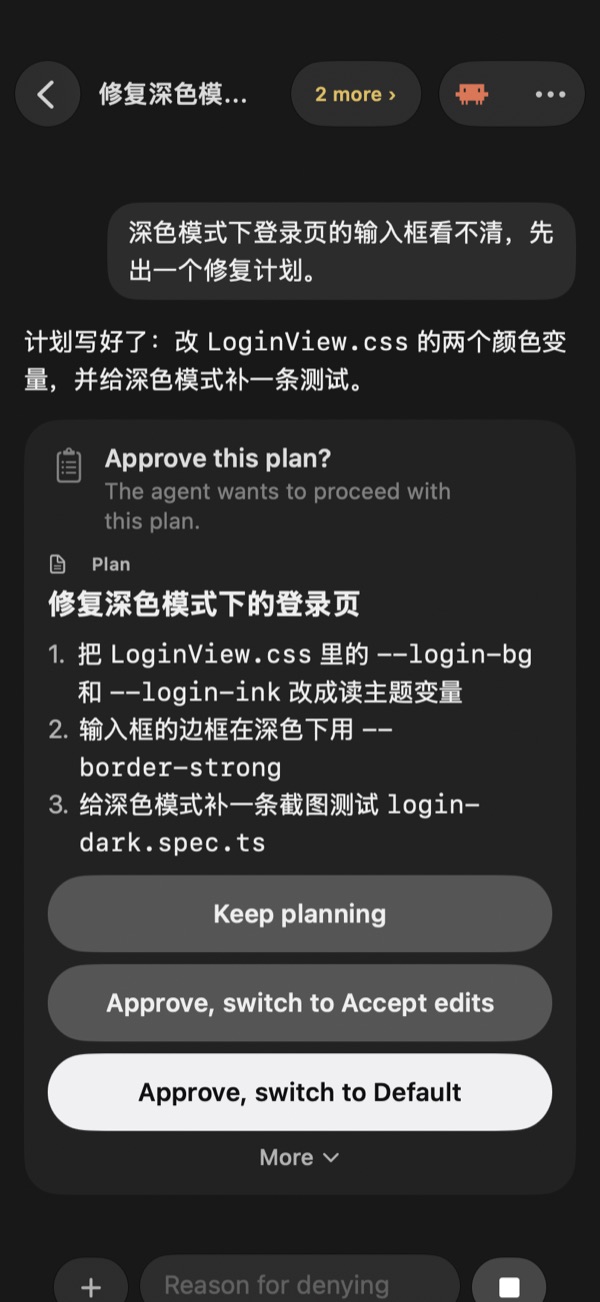
A native iOS app is in development: scan a code to connect to your computer, follow progress, approve actions and send new instructions.About the phone app
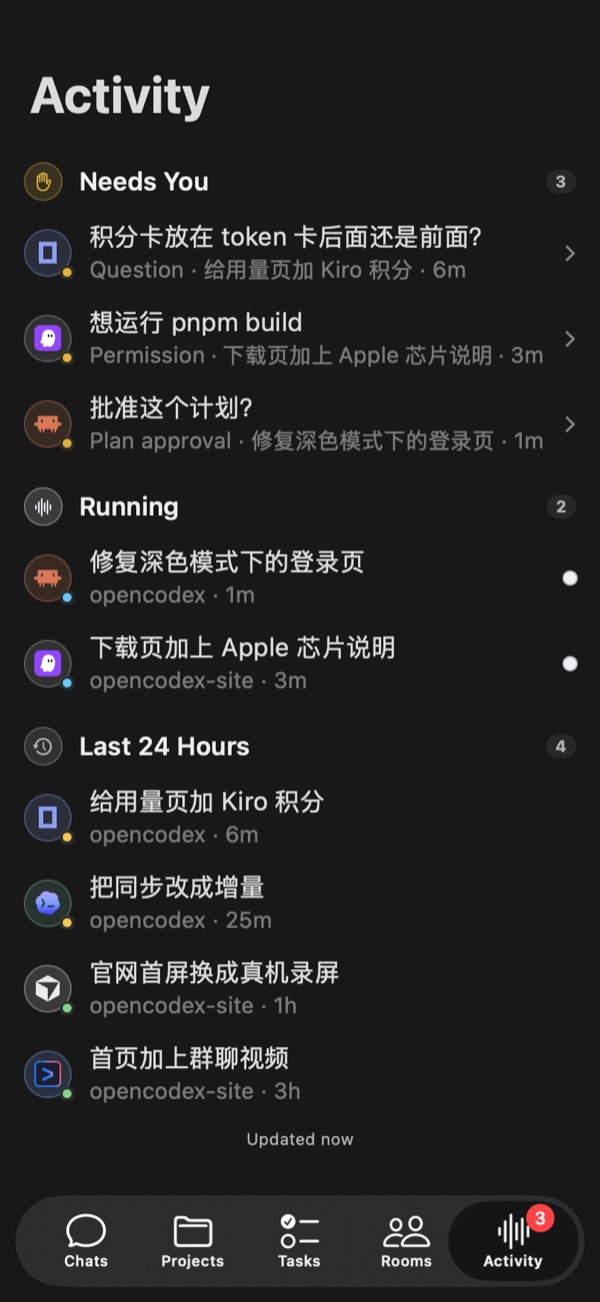
The Activity tab: 3 items need you (a question, a permission, a plan approval), 2 are running, 4 from the last 24 hoursThe Activity tab: 3 items need you (a question, a permission, a plan approval), 2 are running, 4 from the last 24 hours
Chats on the phone: the computer Mac Studio is connected, conversations are grouped by project with each runtime’s logo, and 2 are runningChats on the phone: the computer Mac Studio is connected, conversations are grouped by project with each runtime’s logo, and 2 are running
A plan approval card in a conversation: Approve this plan?, a three-step plan, and Keep planning and Approve buttonsA plan approval card in a conversation: Approve this plan?, a three-step plan, and Keep planning and Approve buttons
The iOS app’s real interface with sample data. The app is still in development.
Local first

Chats and projects stay on your computer

Account optional

Every feature works without signing in; conversations, projects and settings stay on this computer.

Other devices are off by default

Connecting a phone or another computer has to be turned on, and each device gets its own connection code you can revoke.

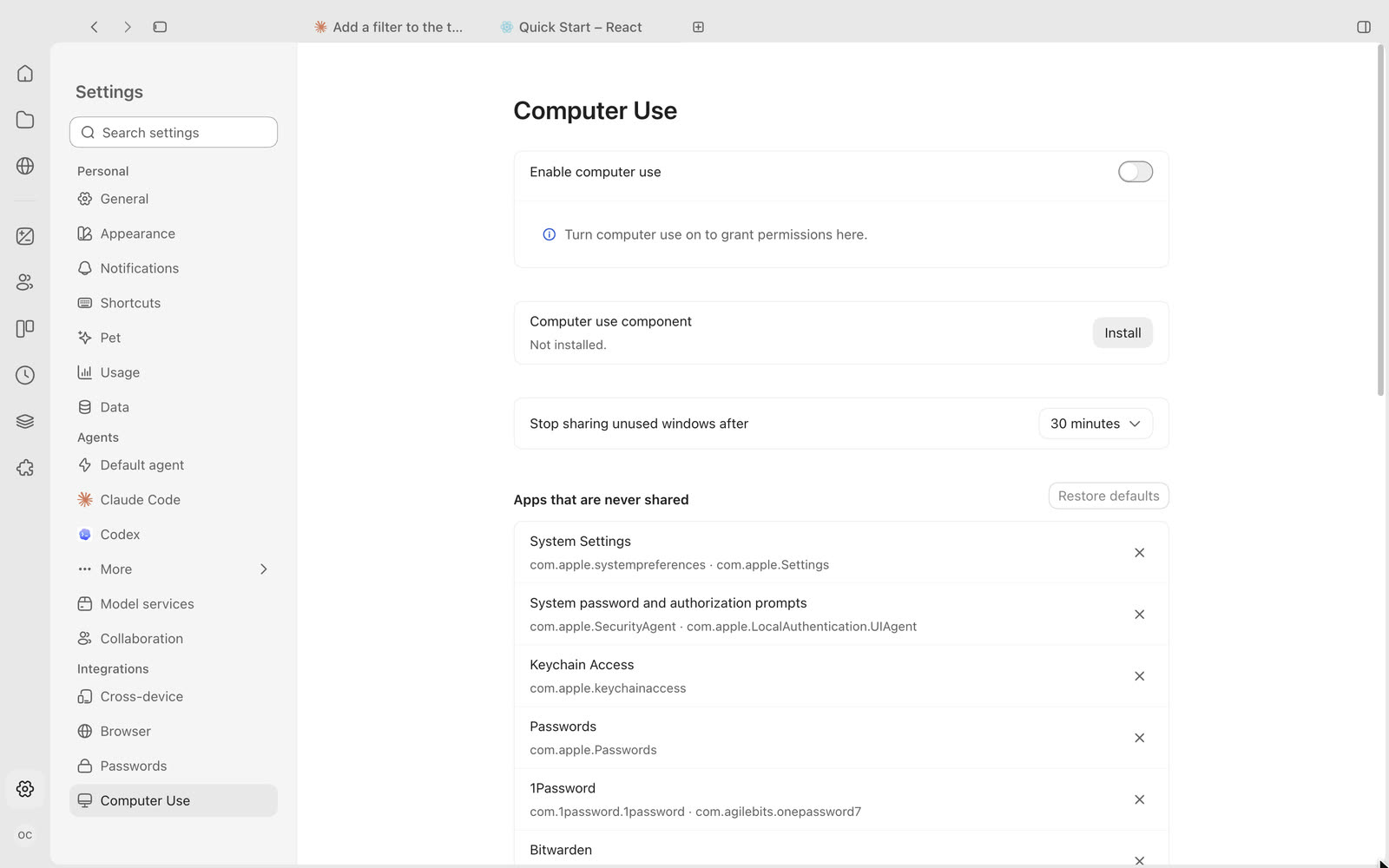
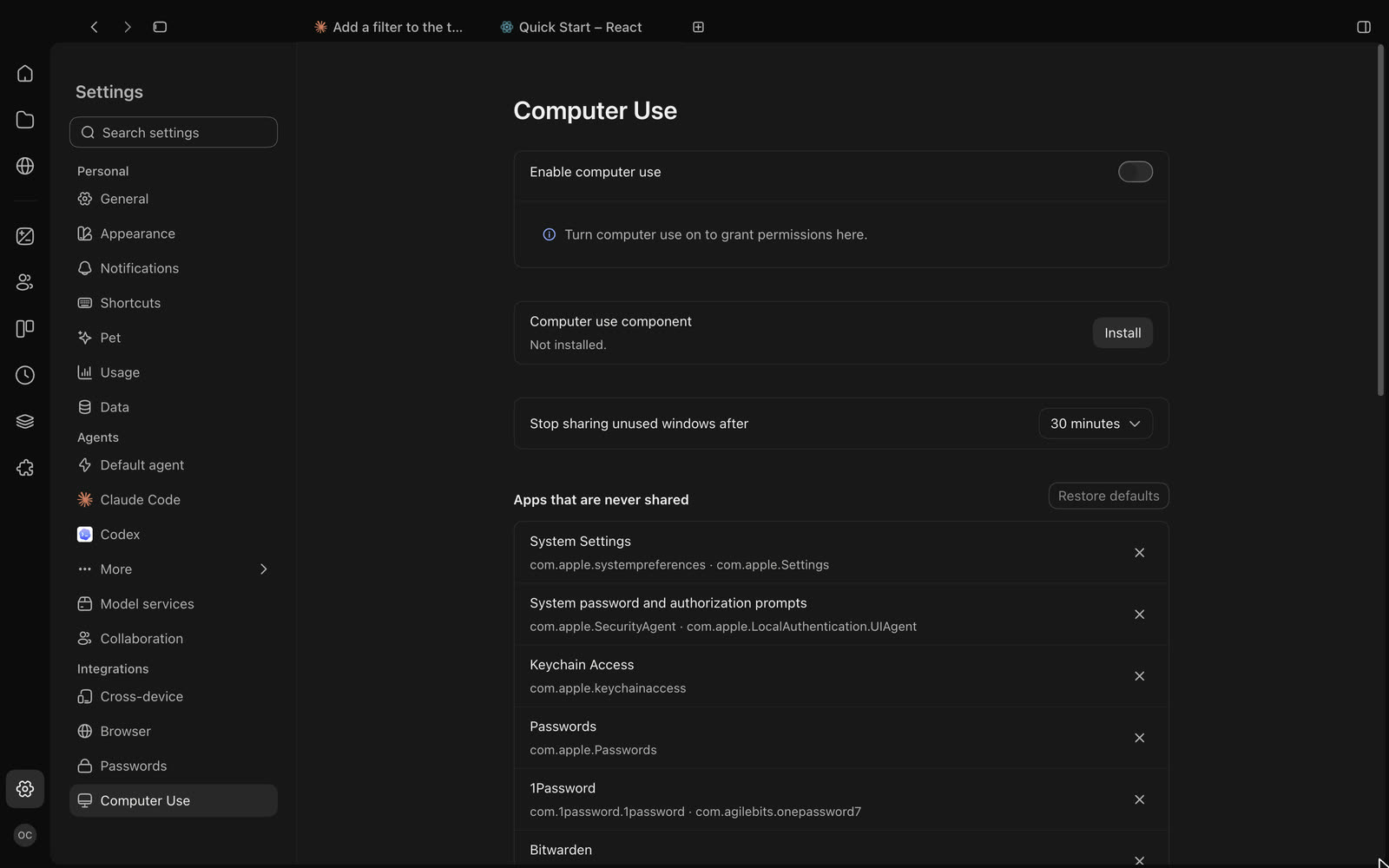
Agents can’t read passwords

Site passwords in the built-in browser are encrypted on this computer, out of agents’ reach.